Structured content helps you plan, deliver, and verify information consistently - and makes export packs and audits far easier.
This guide explains how to create a Master Information Delivery Plan (MIDP) in Plannerly using structured Scope workflows aligned with ISO 19650.
An MIDP defines who delivers what information and when. Structuring it properly ensures clarity, accountability, and audit-ready ISO 19650 compliance.
How to Create a Master Information Delivery Plan (MIDP) in Plannerly
This guide explains how to create a MIDP using Plannerly’s Scope and Docs modules, aligned with ISO 19650 workflows. You will learn how to start from scratch, use templates, collaborate on Task Information Delivery Plans (TIDPs), and export combined deliverables.
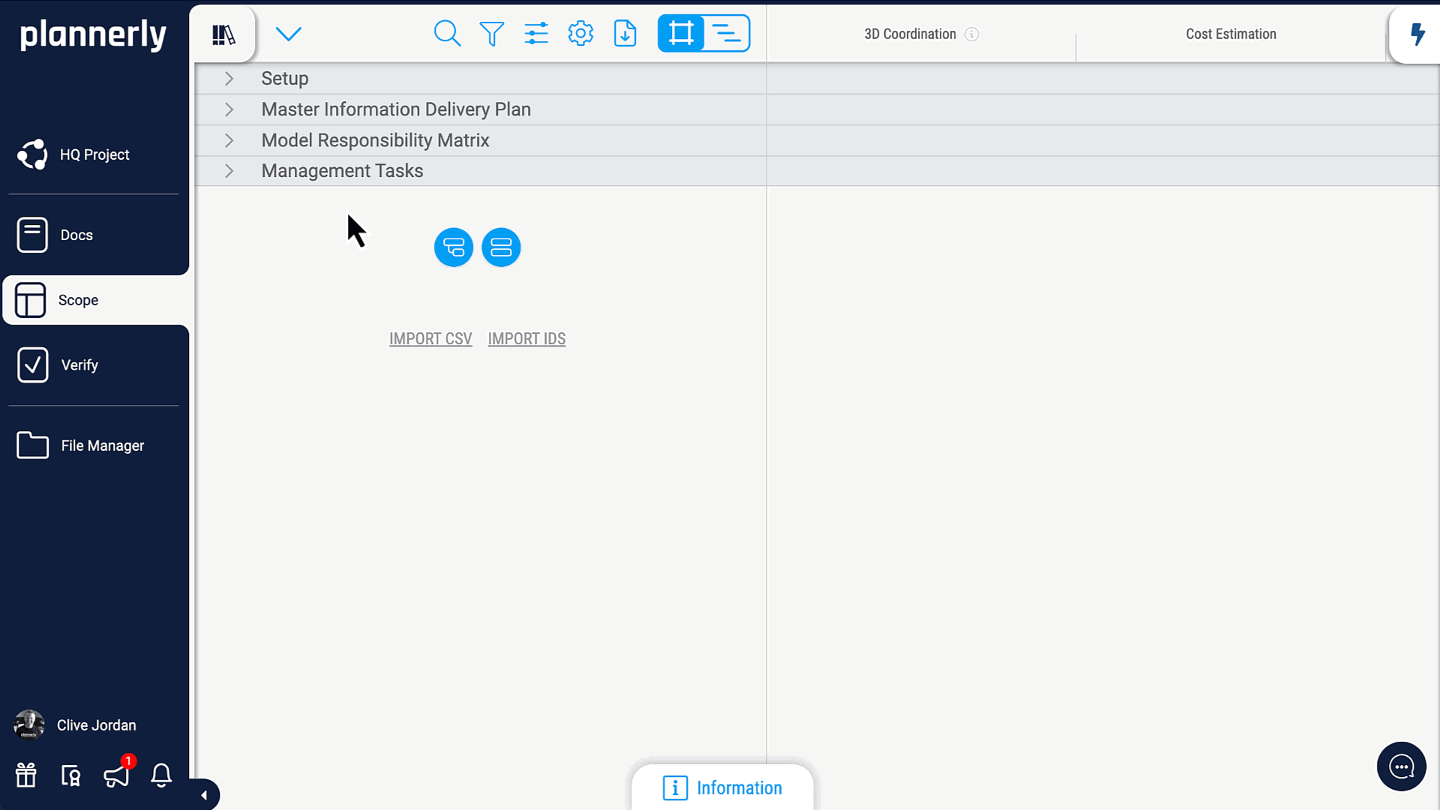
Walkthrough Video
ISO 19650 Alignment
According to ISO 19650, the Master Information Delivery Plan (MIDP) brings together all individual Task Information Delivery Plans (TIDPs) across appointed parties.
Plannerly aligns to this workflow by enabling you to:
- Define information requirements (EIRs, AIR, OIR) using structured templates
- Create TIDPs as deliverable-based tasks with responsible parties
- Automatically roll up TIDPs into a consolidated MIDP
- Assign milestones, dependencies, and durations
- Validate deliverables using checklists, file placeholders, and verification
- Export combined documentation for contracting and delivery
Learn more about ISO 19650 fundamentals in our free training: Plannerly Training Programs
Starting From Scratch: Building Your MIDP
1. Create a New Project
Create a new project in Plannerly: Plannerly - The BIM Management Platform
2. Open the Scope Module
This is where you define deliverables, responsibilities, milestones, and information needs.
3. Add Tasks for Required Deliverables
Example deliverables may include:
- Lifecycle analysis
- Floor plans, elevations, sheets
- Cost plans, schedules, method statements
- Visualizations or AR/VR assets
Each task forms part of a TIDP and is automatically aggregated into the MIDP.
4. Assign Responsibilities
- Architect delivers visualizations
- Contractor delivers method statements
- MEP engineer delivers system models
5. Configure LOI, LOD and Document Types
- Level of Information (LOI)
- Level of Detail (LOD)
- Expected file types (IFC, RVT, MP4, etc.)
6. Add Checklists and Conditions of Satisfaction
Use checklists to make acceptance criteria explicit and consistent across teams.
"Make acceptance criteria visible."
"Make review steps repeatable."
"Make sign-off evidence easy to export."
7. Attach File Placeholders
Attach placeholders so deliverables land in the right place, with the right metadata, and remain traceable.
"One task - one deliverable location."
"No hunting across inboxes and folders."
"Upload once - keep it connected forever."
8. Add Milestones and Timeline Dependencies
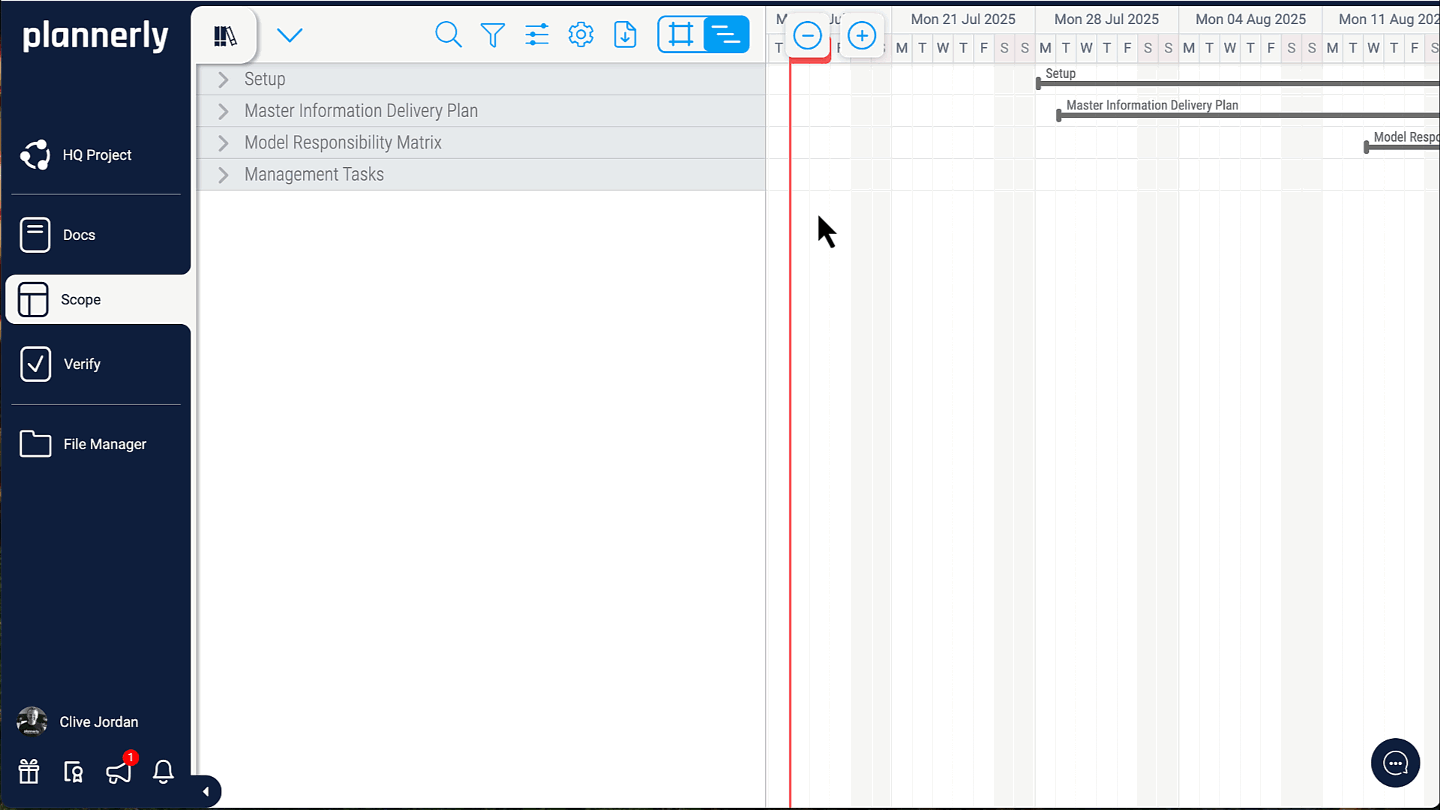
Use dependencies, dates, and durations to sequence deliverables and coordinate handoffs between teams.
"If it is not scheduled - it will be guessed."
"If handoffs are unclear - rework is guaranteed."
"A timeline turns intent into coordination."
9. Export the Combined MIDP
Combine your MIDP with EIR, BEP, and other documents, then export a formatted, hyperlinked delivery package.
"Exports should prove intent."
"Exports should prove accountability."
"Exports should prove delivery."
Learn more about Plannerly’s Docs module: Plannerly Docs Module
Starting Faster With Templates
- Open your project
- Access the Templates Library
- Import the “Example Scope” template
- Customize the MIDP structure
Template library: Plannerly Template Library
What You Can Do in the Scope Module
- Set milestones aligned with ISO 19650 stages
- Assign responsibilities across teams
- Organize deliverables by discipline or system
- Build TIDPs automatically rolled into the MIDP
- Define LOI, LOD and document types
- Add checklists and file placeholders
- Export a fully formatted MIDP, EIR and BEP package
Related Articles
- How to Create a BEP in Plannerly
- Managing Asset Information Requirements (AIR)
- Creating and Structuring Scope
- Creating and Structuring Documents
FAQs
Does Plannerly automatically combine TIDPs into an MIDP?
Yes. Individual deliverable tasks roll up automatically into a consolidated MIDP view.
Can I export the MIDP with EIR and BEP documents?
Yes. Plannerly’s Docs module allows you to combine structured scope data with contractual documents into a formatted export.
Can I manage dependencies and timelines inside Plannerly?
Yes. Use the timeline view to define milestones, durations, and task dependencies.
Need Help?
Explore more in the Plannerly Help Center or reach out via in-app chat.