

Getting Started
New to Plannerly? Learn what it does, create and rename projects and workspaces, reuse content with templates, and move or archive projects.
9 articles
New to Plannerly? Learn what it does, create and rename projects and workspaces, reuse content with templates, and move or archive projects.
9 articles
Free certified training
Self-paced and practical. Rated 4.90 from 7,117 learner ratings.
Level 1 · Free certificate
Enhance your BIM Management awareness and boost your career potential.
Level 2 · Free certificate
Perfect your information management workflows and implementation skills.
Level 3 · Free certificate
Master ISO 19650 compliance requirements and earn an expert certification.
For teams · Free checklist
Get an audit-proof ISO 19650 checklist and workflows for company-wide compliance.
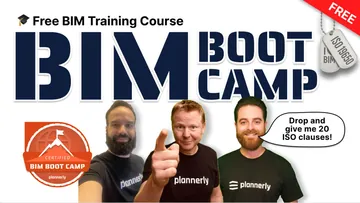
Orientation · Free certificate
A practical, demo-packed orientation to BIM and ISO 19650 with real project examples.
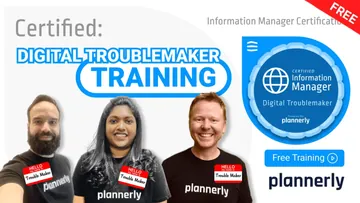
Leadership · Free certificate
Step-by-step guidance to lead digital transformation with a clear action plan.
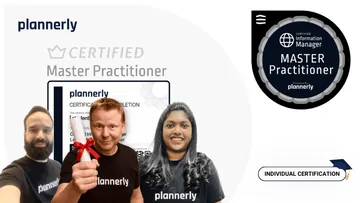
The top level · Advisor-guided
Earn Plannerly's highest ISO 19650 credential through a practical, advisor-guided assignment.