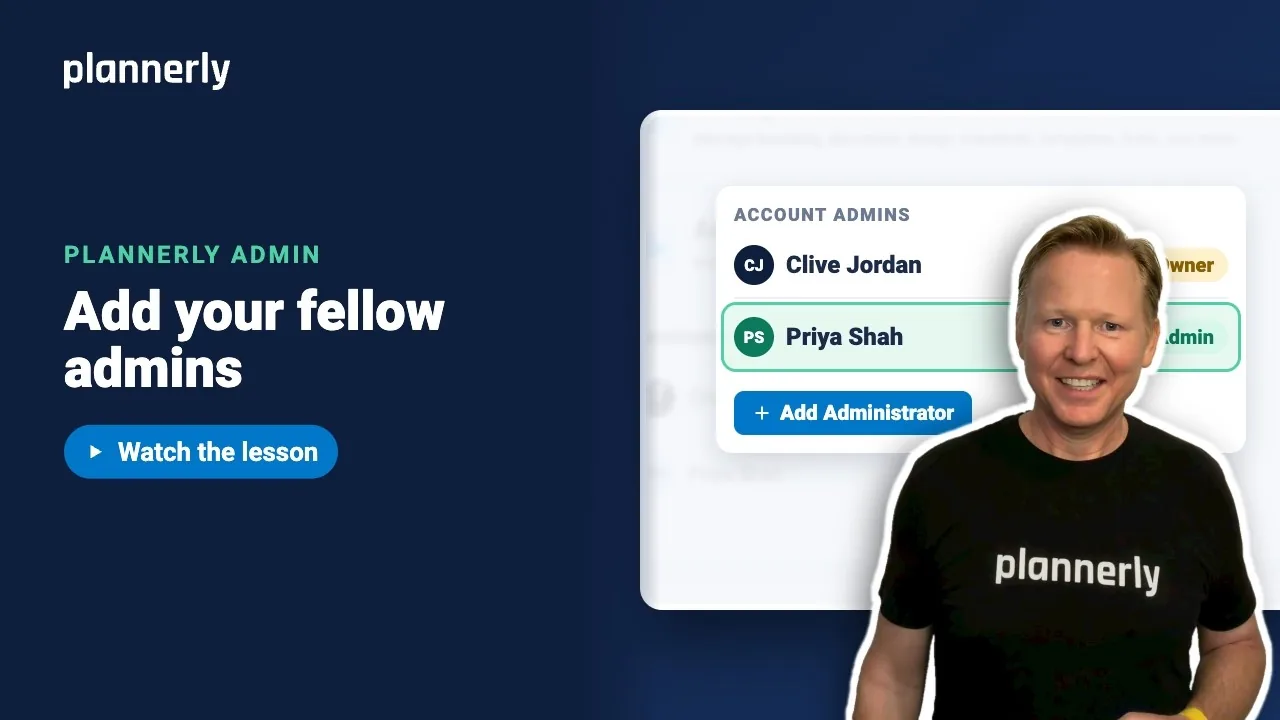
TL;DR - In Account Settings, open Account Admins, select Add Administrator, start typing a name, pick the person and select Invite. They are an admin straight away. Free allows only the account owner as admin; the Pro trial and Pro allow as many as you need.
Who this is for
Account admins can add other admins. On the Free plan the account owner is the only admin, so there is nobody to add until you start the Pro trial or move to Pro.
Why it matters
If only one person can change your account, everything waits while they are away - new branding, plan changes, access for a new starter. A second admin means the account never depends on one inbox.
Add an account admin
- On the Projects page, select Account Settings at the top right.
- Open Account Admins. You see the current admins with their email and phone, and the account owner is marked Owner.
- Select Add Administrator. A new row opens.
- Click the Name box and start typing. People who are already on your projects appear as suggestions - pick the right one.
- Select Invite.

The person shows in the list as an admin straight away.

Invite someone who is new to Plannerly
- Select Add Administrator.
- Enter their Name and Email (phone is optional), then select Invite.
- They get an email invitation. Until they accept, their name shows (Pending) in the list.
What an account admin can do
An account admin is also an admin of every workspace, so they can step in on any project. They can change branding and the other Account Settings sections. Billing details and changing or cancelling a paid plan are for the account owner only: if you see "Only the account owner can change the plan or open billing details," ask them.
Remove an admin
- In Account Admins, select the three-dot Options button on their row.
- Select Remove as Company Administrator.
You cannot remove the last one: the account must always have at least one administrator.
If it doesn't work
Add Administrator tells me the owner is the only administrator
You are on the Free plan. It explains: "On Free, the account owner is the only administrator. The Pro trial and Pro let you add as many administrators as you need." Start the 14-day Pro trial, select See Pro plans, or select Talk to us.
An admin shows "Admin access paused - Free includes one account owner"
The account moved back to Free, where only the owner can be an admin. The person is kept in the list, but their admin access is paused while the account is on Free.
"This user is already a Company Administrator"
That person is already in the list. Check the list, including anyone marked (Pending).
I can't remove an admin
The message "Companies must have at least one administrator" means they are the last one. Add another admin first.
The Add Administrator button is missing
Only account admins see and use these controls. Ask an existing admin.
Common questions
How many admins can a Plannerly account have?
On Free, one: the account owner. On the Pro trial and on Pro there is no set limit - add as many as you need.
What is the difference between an account admin and a workspace admin?
An account admin runs the whole account and is automatically an admin of every workspace. A workspace admin looks after one workspace and its projects, without access to the account's plan or branding.
What happens when I invite a person who does not have a Plannerly account?
They are sent an email invitation and show as (Pending) in Account Admins until they accept.
Can an account admin change the plan or billing?
Account admins can see the plan. Opening billing details, and changing or cancelling a paid plan, are for the account owner - anyone else sees "Only the account owner can change the plan or open billing details." Ask the owner.
Related
- Group projects into workspaces - give each workspace its own admins.
- Pro and Company: everyone on every project - what each plan allows.
- How can I assign users to my account? - roles and who counts as an editor.
- Inviting team members to Plannerly - add people to projects.
Take the free Plannerly Admin course - every lesson is a short video like this one, with a certificate when you finish.