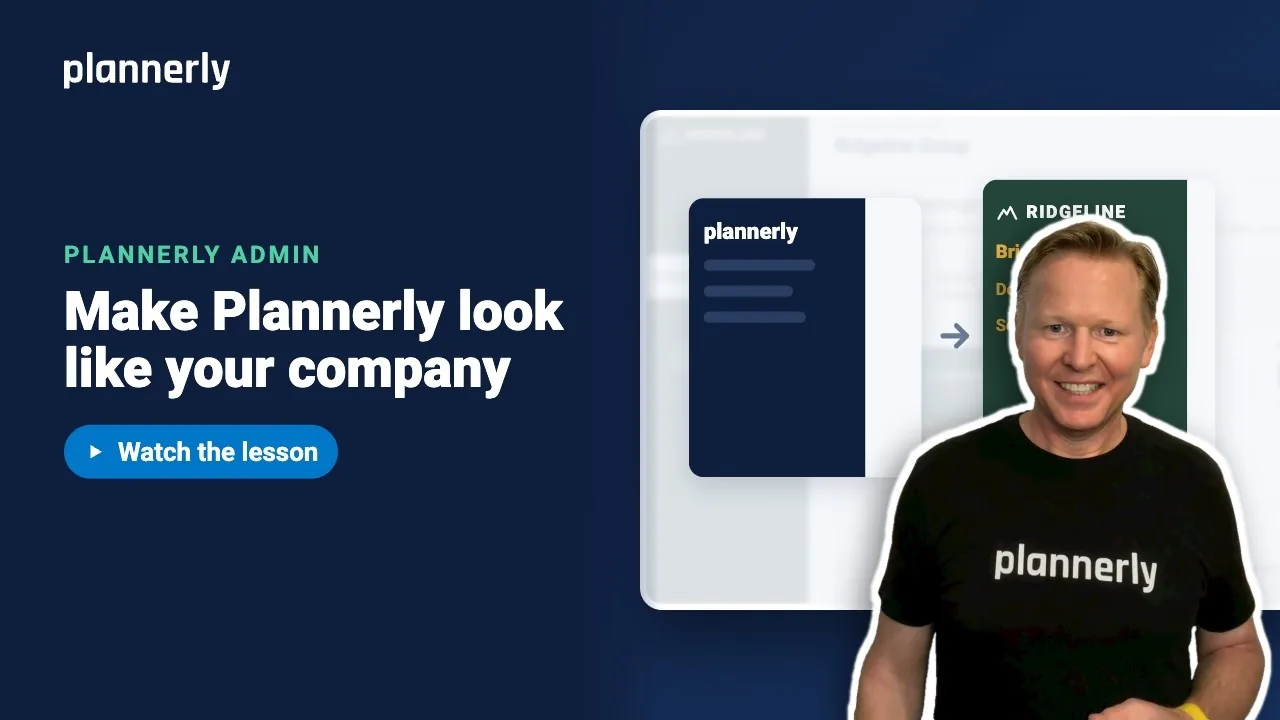
TL;DR - In Account Settings, open Settings, then Branding and select Edit. Check the account name, pick a Background and an Accent color, drop in your logo and select Save. The whole account changes at once.
Who this is for
Account admins. If you are not one, you get "You must be an account administrator to access this feature." Ask an admin, or see Add your fellow admins.
Why it matters
Your team, your consultants and your client all see Plannerly through your account. Branding it once makes every project look like yours, with no ticket to IT and nothing to install.
Set your name, colors and logo
- On the Projects page, select Account Settings at the top right.
- Open Settings, then Branding, and select Edit.
- Check Account Name. This is the name your people see for the account.
- Pick a Background color. It is the menu background.
- Pick an Accent color. It is used for the menu's text and icons. Choose one that stands out against the background.
- Under Logo, drop your logo file into the box, or select it to browse for one.
- Select Save.

After you save, your logo shows top left and the menu takes your colors straight away.

A transparent PNG works best. When you drop in a logo you will also see Logo touch-ups such as Make it white, for a dark menu background. They work on a newly uploaded file, and a touched-up logo is saved as a PNG when you press Save.
Let Plannerly find your branding
- In Account Settings, find the Set up my branding automatically button at the top of the Settings section.
- Enter your company name and website address, then select Find my branding.
- Plannerly looks at your own website for your logo, takes your colors from it and drafts a header and footer to match. You choose what to keep.

This uses up to 1 of your AI credits for the month. Your header and footer are covered in Headers, footers and cover pages.
If it doesn't work
I get "You must be an account administrator to access this feature"
Only account admins can change branding. Ask one to make the change, or to add you under Account Admins.
The fields are greyed out
Some older plans do not include custom branding, so the Branding section opens read-only. On the current Free, Pro and Company plans, account admins can edit it. If you think your plan should include it, use Chat in the app.
My exports still say Plannerly
Your colors and logo in the app are available on every current plan, but your own branding on exported documents is part of Pro. On Free, PDF exports carry Plannerly branding, and on Pro it applies to the modules you pay for. Company exports carry your own branding. The 14-day Pro trial includes it.
The automatic setup button says my AI balance is used
Automatic setup uses an AI credit. If your balance is used or reserved, you can still enter your branding by hand in Edit.
A logo touch-up does nothing
Touch-ups work on a newly uploaded logo, so drop the file in again. A logo with no plain background has nothing for Remove background to remove, and Make it white on a logo with no transparent background turns all of it white - turn on Remove background as well.
Common questions
How do I change the Plannerly logo and menu colors for my whole team?
An account admin opens Account Settings, then Settings and Branding, selects Edit, changes Background, Accent and the logo, and selects Save. Everyone in the account sees the change.
Can I change my account name in Plannerly?
Yes. The Account Name field is the first one in Branding when you select Edit. Save to apply it.
What logo file should I upload?
A PNG with a transparent background looks best on a colored menu. Plannerly can also help with Make it white and Remove background when you upload.
Does branding change my exported documents?
Your document headers, footers and cover pages are set separately, under company standards. Exports carry your own branding on Pro (for the modules you pay for) and on Company; on Free they carry Plannerly branding.
Related
- Headers, footers and cover pages - put your look on every document.
- Add your fellow admins - so more than one person can change branding.
- Pro and Company: everyone on every project - what each plan includes.
- How much does Plannerly cost? - plans compared.
Take the free Plannerly Admin course - every lesson is a short video like this one, with a certificate when you finish.