Who this is for
Managers and Editors can assign sections (Assign sections is on for both by default). Resolving a comment needs the resolve-comments permission, which Managers have and Editors do not by default. Assignment is available in Tree View, not Page View.
Why it matters
"I thought you were doing that section." When no one owns a section, it stays empty. A named owner on every section means the BEP gets finished, not only started.
Give a section an owner
- In Docs, find the section's header and click the people slot. Its tooltip reads Assign teams and team members.
- Open the Member tab (or Team for a whole team) and pick the person under Available to assign.
- Choose their role. With RACI on, the options are R - Responsible, A - Accountable, C - Consulted and I - Informed. For the person who writes the section, choose R.

You can only pick people whose team can see the document. Once a section has an owner, other Editors can no longer edit it - only the owner and roles that can edit every section.
Ask a question in context
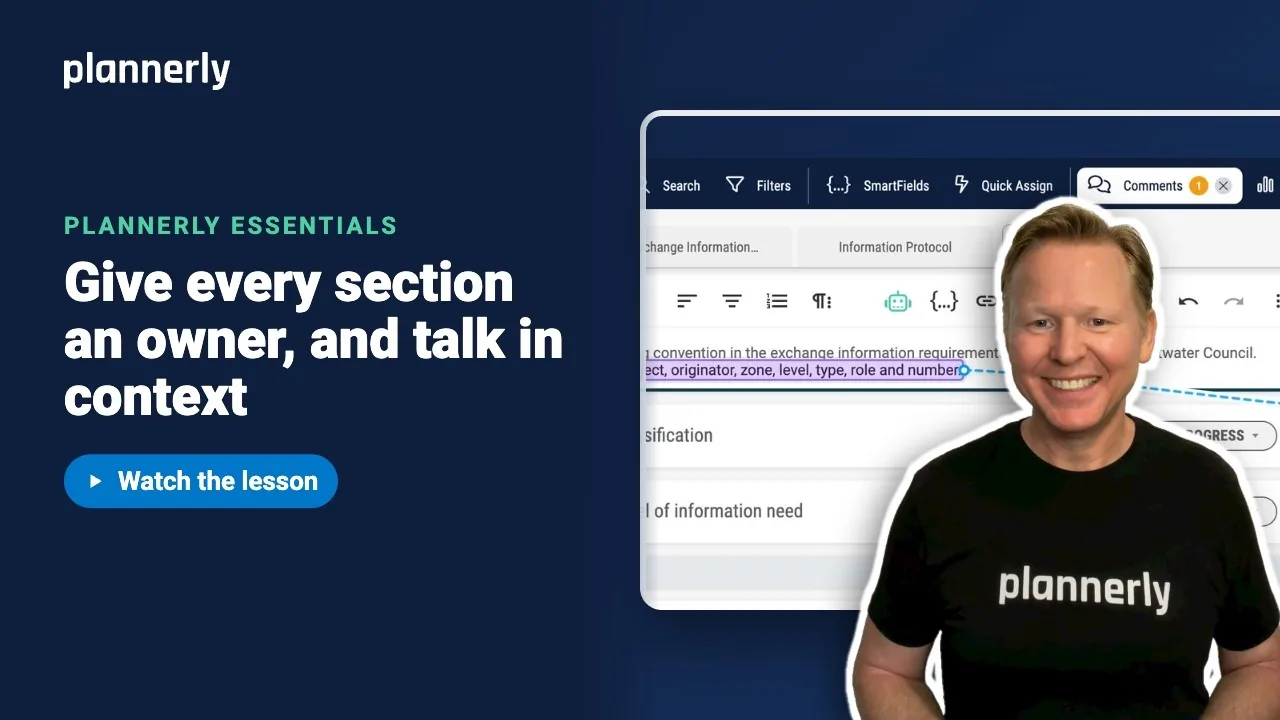
- Click into the section, then select the sentence you want to ask about.
- In the selection tools, choose Add Comment.
- Type @ and the person's name, then choose them from the list. Write your question and send it.
The person is notified in Plannerly and by email (how soon depends on their own Email delivery setting), and the question stays pinned to those exact words. Everyone can find it under Comments & history on the section.

When it is sorted, select Resolve. It moves out of the unresolved list, and you can Reopen it later.
Assign many sections at once
- In the Docs toolbar, select Quick Assign. A drawer opens.
- Choose Team Members and pick the person.
- Click Apply on a section, a category, or the document tab to assign it in one go.

If it doesn't work
I can't find the people slot
Assignment is hidden in Page View. Switch to Tree View. You also need the permission to assign sections.
The person I want is not in the list
Only people whose team can see the document can be assigned. Give their team access to the document first.
Someone says they cannot edit a section
It has an owner, and the default Editor role then limits editing to the owner. Add them as an owner, or ask a manager.
There is no Resolve button
Resolving needs the resolve-comments permission, which Editors do not have by default. Ask a project manager.
Common questions
How do I assign sections of a BIM execution plan to team members?
In Docs, click the people slot on a section's header, pick a member and choose Responsible. For lots of sections, use Quick Assign.
How do I mention a colleague in a comment?
Select text, choose Add Comment, type @ and pick their name. They are notified in Plannerly and by email, and the comment is pinned to the words you selected.
Why can only one person edit a section?
Once a section has an owner, the default Editor role limits editing to that person. Managers and roles that can edit every section are not limited.
Can I assign a whole team?
Yes. Use the Team tab in the assignment popover, or choose Teams in Quick Assign.
Related
- Share projects and document sections with your team - invites and team access.
- Filter document sections
- Share for review, then publish - the next lesson.
Take the free Plannerly Essentials course - every lesson is a short video like this one, with a certificate when you finish.