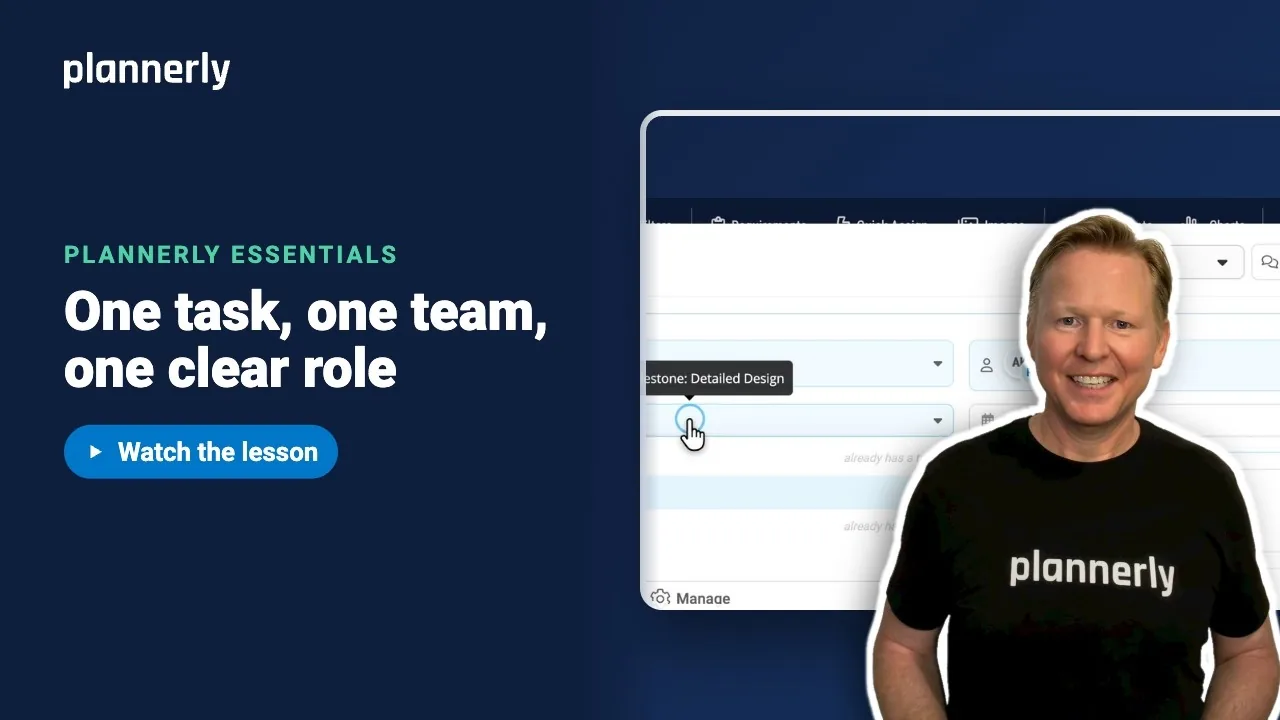
TL;DR - In Scope, hover a cell and select Add to create the task. Open it, and in Tracking use Assign team and tick the team, then mark it A (accountable); use Assign team member for the person and mark them R (responsible).
Who this is for
People whose role lets them create Scope tasks and change who is assigned to them, usually project managers and information managers. Adding a team that does not exist yet also needs permission to manage teams.
Why it matters
Ask who is doing a deliverable and who signs it off, and the honest answer is often everyone, which means nobody. Putting one team and one named role on each task gives you responsibility you can point to instead of argue about, and it is the data behind your RACI matrix.
Add the task
- In Scope, find the row and the milestone column for what you deliver. For example the External Walls row under Detailed Design.
- Hover the empty cell and select Add. That creates the task: what this row delivers at this milestone.
- Click the cell to open the task.
Assign the team as accountable
- In the task's Tracking area, select Assign team.
- Tick the team, for example Structural. Four small buttons appear beside it: R, A, C and I.
- Select A (A - Accountable: owns the outcome and makes the final decision).

Assign a person as responsible
- Select Assign team member.
- Tick the person, for example Amira Khan.
- Select R (R - Responsible: does the work to complete the item).
The other two roles are C - Consulted (gives advice before decisions) and I - Informed (kept up to date). A task can hold several teams and people, each with one or more letters.
One task per row, per milestone
Each row can have one task at each milestone. In the task's Task Milestone list, milestones that already hold a task on this row are greyed out and marked already has a task. To plan the same row at another milestone, add a task in that milestone's cell instead.

See it in the grid
Close the task. The cell now shows a badge for the team and one for the person, each with its role letter. You can also click a badge to change the assignment without opening the task.

If it doesn't work
I can't see Add on the cell
You need permission to create Scope tasks. Ask a project manager to check your role. On Free projects, cells past the task limit are locked ("You have reached the maximum amount of tasks for Free projects").
I can't change who is assigned
Changing the team or member on a task needs permission to manage task assignees. Without it the assignment buttons do not respond; ask your project manager.
The role letters R, A, C and I are not showing
Role letters can be switched off. Open Settings, then Project and Roles, and turn on Show RACI roles. Your assignments stay saved while it is off.
"More than one Accountable owner at this scope"
That is a prompt, not an error: two teams or people are marked A on the same scope. Check that ownership is clear. You can keep a draft incomplete.
My team isn't in the list
Select Add Team in the list to create it, if your role lets you manage teams. Otherwise ask your project manager.
Common questions
What does RACI mean in Plannerly?
R is Responsible (does the work), A is Accountable (owns the outcome and signs it off), C is Consulted (advises before decisions) and I is Informed (kept up to date). You assign these letters to teams and people on each Scope task.
Can a task have more than one team or person?
Yes. A task can hold several teams and several people, each with their own R, A, C or I. Plannerly warns you if more than one is marked Accountable.
Where is the RACI matrix in Plannerly?
There is no separate matrix screen in Scope: the letters live on each task. Use the RACI roles filter to look at them, and export a RACI Matrix page with the Document export - see the export lesson.
Why does Plannerly say a milestone already has a task?
A row can hold only one task per milestone. Pick another milestone in Task Milestone, or edit the existing task.
Related
- Assign a whole project in minutes with Quick Assign - the fast way to fill a whole project.
- Find the gaps before they find you - find tasks with no accountable owner.
- Export your MIDP, each team's TIDP and a RACI matrix
- RACI Survival Kit - the webinar and six-step guide.
- How to copy tasks from one cell to another
Take the free Plannerly Essentials course - every lesson is a short video like this one, with a certificate when you finish.