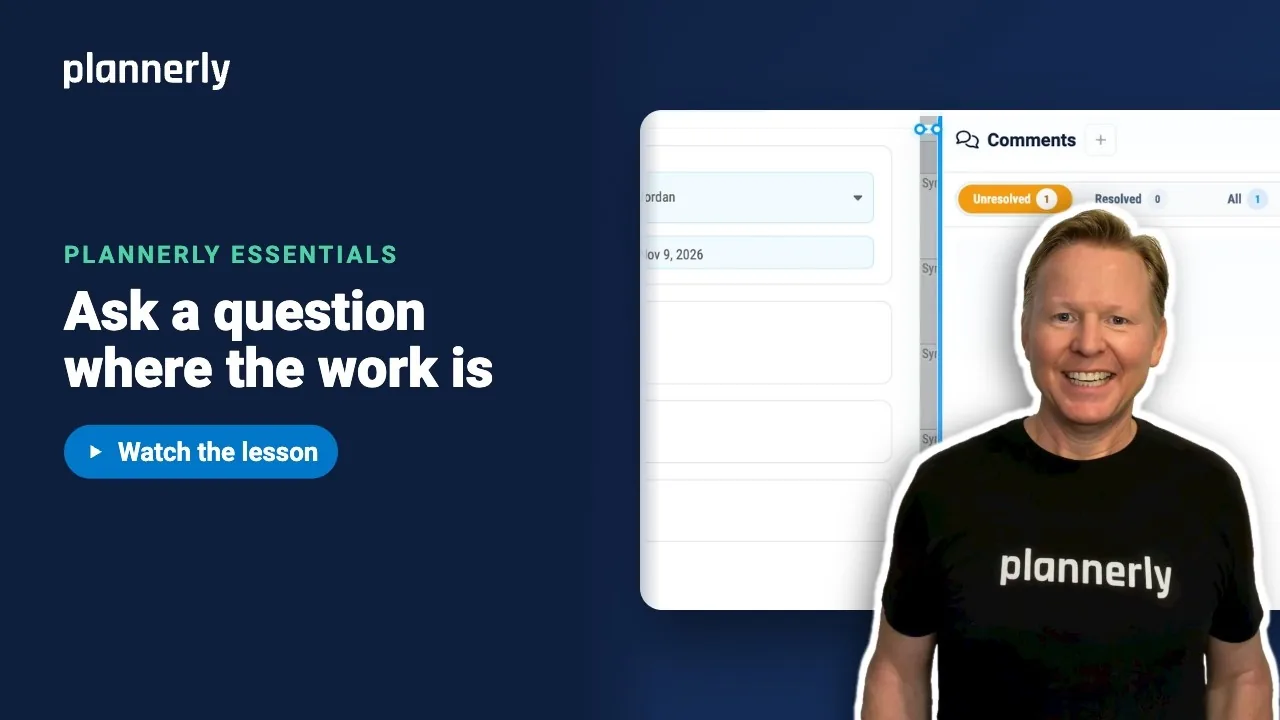
TL;DR - Open the task in Scope, select Comments, write your question and type @ with a name to bring a teammate in, then select Send message. They are notified and the question stays with the task. Mark it Resolve once answered.
Who this is for
Anyone who can open a task in Scope and comment on it. If a task is view-only for you, you can read it but not write on it.
Why it matters
Questions in one email, answers in another and the thing itself in a model nobody has opened since: that is how decisions get lost. A comment sits on the task, so anyone can find the question, the answer and the decision later.
Ask a question on a task
- In Scope, select the task the question is about.
- Select Comments.
- Select New comment and click in the box that reads Write a message or @mention someone.
- Type your question, for example "Stair doors - FD30 or FD60?"
- Type @ and the first letters of a name, then pick the person from the list.
- Select Send message.
The comment appears on the task. Your teammate is notified, and the question stays with the task.

Mark a question resolved
- When the answer is in, open the comment.
- Select Resolve.
- To see finished conversations, choose Resolved; open ones are under Unresolved.

Start a chat that is not about one task
- Close the task, then select the chat button.
- Select New chat.
- In Search people, teams, or project, type a few letters, for example Arch, and pick a person or team.

If it doesn't work
I cannot write a comment on a task
The task may be view-only for you, or your role may not allow commenting. Ask a project manager to check your access.
The person I want to @mention is not in the list
Only people who are on the project can be mentioned. Ask a project manager to add them first.
My teammate says they were not notified
Notification settings are personal. They may have chosen a recap email rather than email right away, or fewer notifications. Their Activity panel will still show the mention.
I cannot find a resolved comment
Resolved conversations are filtered out of the open list. Choose Resolved to see them.
Common questions
How do I @mention someone in Plannerly?
In a comment or chat, type @ and the first letters of their name, then pick them from the list. They are notified when you send the message.
Where should I ask a question about a specific deliverable?
On its task in Scope, using Comments. The question and answer then stay with the task for everyone to see.
How do I mark a comment as resolved?
Open the conversation once it has been answered and select Resolve.
What is the difference between a task comment and a chat?
A comment belongs to one task. A chat is for anything not tied to one task, with a person or a team.
Can I start a chat with my whole team?
Yes. Select the chat button, then New chat, and search for a team or person.
Related
- See the work that's yours - the previous lesson.
- Catch up on what changed - the next lesson.
- Not sure why you got invited to Plannerly?
Take the free Plannerly Essentials course - every lesson is a short video like this one, with a certificate when you finish.