
TL;DR - On the new project, select Copy team members, choose the project to copy from under Copy from project, pick the teams and people you want, set Access for new members, and copy. The teams arrive set up and everyone gets an invitation.
Who this is for
Project managers who can manage teams and invite people to any team. If you do not see the button, you do not have that permission on the new project.
Why it matters
Most of your next project's team worked on your last one. Typing them all in again takes a morning. Copying brings an established delivery team across in a few clicks.
Copy a team from an earlier project
- Open the new project's dashboard. In the Teams area, select Copy team members.
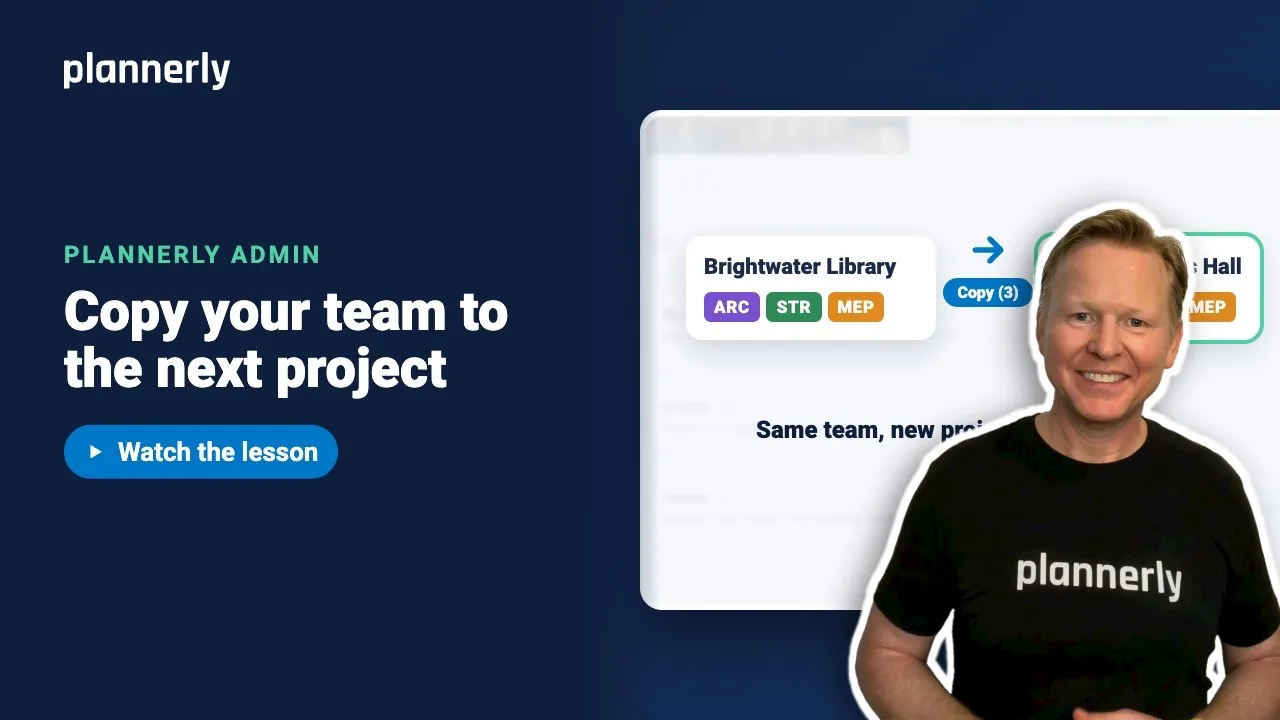
- Under Copy from project, open Choose a project and pick the one to copy from, for example Brightwater Library.
- The project's teams appear as buttons. Select the ones you want: in the video, Arden Architects, Northfield Structures and Lumen MEP. Their people are ticked under Choose people.
- Untick anyone you do not need, or use Select all and Clear selection. You can copy up to 100 people at a time.
- Under Access for new members, choose the access they get on the new project. It starts as Viewer, so change it if they need to edit.
- Select Copy, which shows how many people you are adding in brackets, for example Copy (3).

What you get
- Open Teams on the new project and expand a team, for example Arden Architects.
- The team is there with its people, and each new person has an invitation (they show as Pending until they accept).
Teams with a matching name that already exist on the new project are reused; other selected teams are created. People already on the project keep their current access.

If it doesn't work
I can't see Copy team members
The button needs permission to manage teams and to invite people to any team. A project manager has it; ask one to copy the team or change your role.
The project I want is not in the list
You can copy only from projects you have access to. Check you are a member of that project.
"This project has no active teams to copy"
The source project has no teams to copy. Choose another project, or add teams there first.
I can't tick more people
The limit is 100 people per copy. Copy in two rounds.
Common questions
Does copying a team send invitations?
Yes. New members receive a project invitation. People who are already on the new project keep their current access and are not changed.
Can I copy only some of the people from a team?
Yes. Select the team, then untick anyone you do not want under Choose people.
Do the team logos and roles come across?
Teams with a matching name on the new project are reused; other selected teams are created for the new project. Check each team after copying and adjust its logo or role if needed.
Is this the same as duplicating a project?
No. Copy team members only brings people and teams. Duplicating a project brings its set-up too.
Related
- Set up project teams - set up a team from scratch.
- Invite people to a project - invite individuals or a pasted list.
- Start the next project from this one - start the next project from this one.
- Inviting team members to Plannerly
Take the free Plannerly Admin course - every lesson is a short video like this one, with a certificate when you finish.