
COBie is a standard way of handing over information about the equipment and spaces in a building, so the people who will run it get organised data instead of a pile of PDFs. It is usually delivered as a spreadsheet, with one row for each thing worth looking after, such as a door, a pump or a fire extinguisher.
What COBie stands for, and who made it
COBie stands for Construction Operations Building information exchange. It was developed by Bill East while he worked at the US Army Corps of Engineers' Construction Engineering Research Laboratory, with the first specification published in 2007 and early funding from NASA. It started as a US specification. The version most people cite is 2.4, published in 2015 as part of the US National BIM Standard (NBIMS-US), which the US National Institute of Building Sciences (NIBS) publishes. In the UK, a code of practice for using it, BS 1192-4, was issued in 2014. buildingSMART International has also been working on an ISO-based replacement.
What it is for
Operations and maintenance teams need to know what was installed, who made it, where it is, and what looking after it involves. Traditionally that arrived as paper manuals, long after the building opened. COBie asks for it as structured data, collected during design and construction, so it can be loaded into a facilities or asset management system.
What it looks like in practice
COBie can be delivered as a spreadsheet, as an IFC file, or as ifcXML. The spreadsheet is the form most people meet. It has sheets for the people and organisations involved (Contact), the building itself (Facility), kinds of product (Type) and each individual item installed (Component), along with others for spaces, systems and documents.
A worked example
Imagine a small library with 40 internal doors. The Type sheet has a row for "Fire door, FD30" with its manufacturer, model and warranty period. The Component sheet has 40 rows, one per door, each pointing back to that type and to the room it sits in. When a latch fails in year three, the facilities team searches the data, finds the exact product, and orders the right part.
Who uses it, and when
Clients (owners and operators) ask for it, usually in their exchange information requirements. Design and construction teams fill it in as the project moves along, because chasing manufacturer names for 40 doors at the last minute is miserable. It is then handed over at project completion, often in stages, and the facilities team loads it into their systems.
How COBie relates to other standards
- IFC. IFC is an open file format for the 3D model and its data. COBie is a defined slice of asset data for handover. The two are not rivals: COBie can be carried inside an IFC file, and the 2015 version is based on IFC 4. For more on IFC, see our guide to BIM and IFC models.
- ISO 19650. ISO 19650 describes how to manage information through a project: who asks for what, when. COBie is one possible format for part of what gets delivered. The client says what they need in their exchange information requirements; COBie is one way to package the asset data.
- IDS. An Information Delivery Specification checks that a model has the information it should. It can check the data that will end up in a COBie file. Our guide to Information Delivery Specification explains how.
Common misunderstandings
- COBie is not a 3D model. It is a table of facts about things in and around the building.
- COBie does not say what information you need. It sets the layout. What is required, by when and from whom comes from the client's requirements.
- It is not a "fill it in on the last day" form. It works when the data is built up as the project goes.
How to produce COBie data in Plannerly
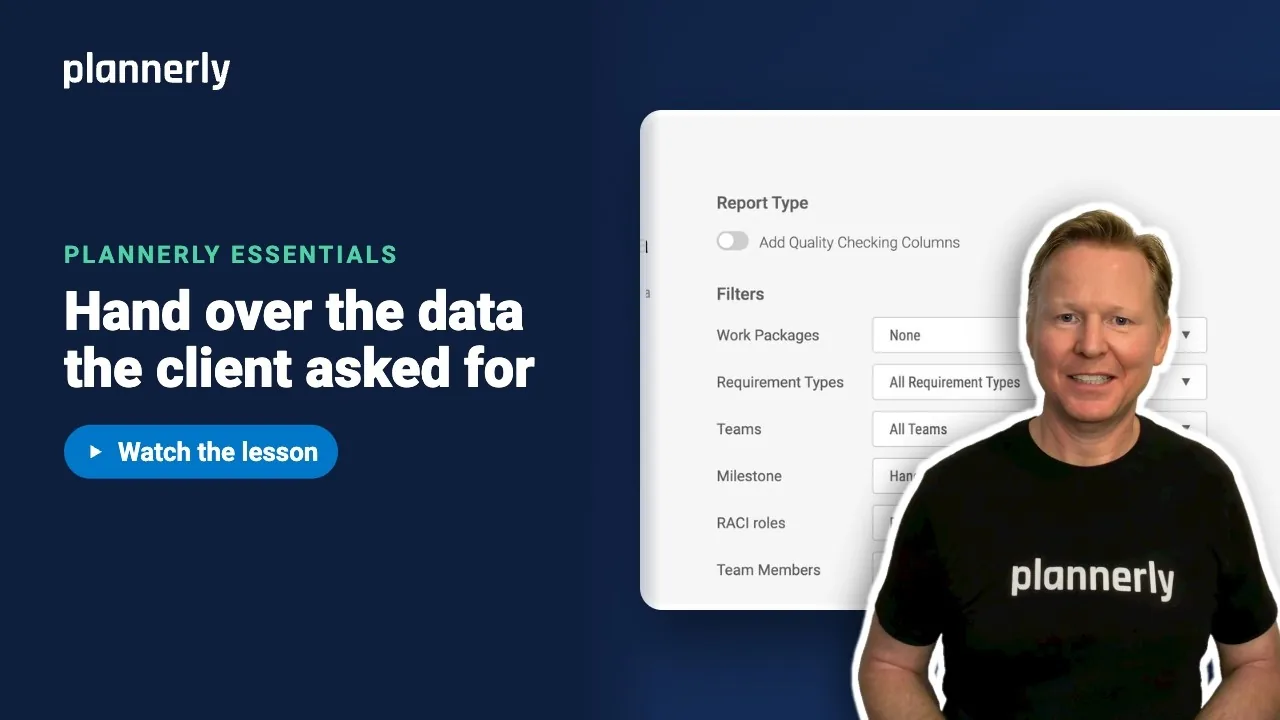
Set out the information you need as requirements in Scope, give the COBie fields the requirement type COBie, check the model against them in Verify, then choose Export and Handover Data. Plannerly creates one Excel workbook in File Manager. It includes COBie-laid-out Contact and Facility sheets, plus a sheet with one row per model element and a column for each requirement. It does not produce every COBie sheet, so check what your client's requirements expect.
The step-by-step guide is here: Export COBie handover data from your model.
Common questions
What does COBie stand for?
Construction Operations Building information exchange. It is a standard layout for handing building asset information, such as equipment, spaces and warranties, to the people who will operate the building.
What is the difference between COBie and IFC?
IFC is an open format for the building model and its data. COBie is a defined set of asset information for handover. COBie data can be delivered as a spreadsheet or inside an IFC file, so they work together rather than compete.
What is a COBie spreadsheet?
A workbook with a fixed set of sheets, such as Contact, Facility, Type and Component. Each row describes one organisation, space, product type or installed item, with the facts an operator needs to look after it.
How do you generate COBie data from a model?
You need the information on the model elements, ideally added as the project progresses, then an export that writes it in the COBie layout. In Plannerly, define the fields as requirements, check the model in Verify, then use Export and Handover Data.
Is COBie required?
Only when a client asks for it. It is not a universal rule. Some public clients have required it, and the UK has a code of practice for using it. Check the project's exchange information requirements.
Related
- Export COBie handover data from your model - the Plannerly steps.
- BIM and IFC models - what IFC is.
- Information Delivery Specification (IDS) guide - automated checks.
- Level of information need (LOIN) - how much detail each deliverable needs.
- NBIMS-US from the National Institute of Building Sciences - the US standard that publishes COBie.
- Whole Building Design Guide - background on COBie and BIM.
- buildingSMART International - the open standards body behind IFC.
Take the free Plannerly Essentials course - every lesson is a short video like this one, with a certificate when you finish.