
bSDD is the buildingSMART Data Dictionary: a free online library of agreed names and definitions for building things and their properties. It lets everyone on a project use the same words, and the same codes, for the same thing.
It is run by buildingSMART International, the open standards body behind IFC, and it is also available to software through an API.
What it stands for and who looks after it
bSDD stands for buildingSMART Data Dictionary. buildingSMART International hosts and maintains the service, while the organisations that write each standard publish and look after their own dictionary in it. The current version of the service launched in 2021, and it is designed around the ISO standards for describing properties in linked dictionaries (ISO 23386 and ISO 12006-3).
What it is for
Teams describe the same wall, door or pump in a dozen different ways: "FireRating", "Fire Rating", "fire_rating". Software cannot tell those are the same thing, and neither can a checker. The bSDD gives each class (a kind of object), each property, its allowed values and its units an agreed definition and a stable identifier. Translations sit alongside, so a property can be understood in more than one language.
What it looks like in practice
You can browse and search it on the buildingSMART search site. Behind that sits an API, documented in buildingSMART's public repository and on SwaggerHub, which BIM software uses to look things up. Each dictionary shows its own licence, so check it before reusing content. Publishing your own content means registering your organisation with buildingSMART first.
A worked example
A client wants every external wall in a library to carry a fire rating. If the requirement just says "fire rating", the architect types one thing, the engineer another, and the checker finds neither. If the requirement uses the IFC wall property set and the property FireRating, from the dictionary, everyone is pointing at the same property. The same goes for a door: classify it with a code from Uniclass, say, and every team means the same kind of door.
Who uses it, and when
Information managers use it early, when writing requirements, so the names are right before anyone models. Task teams and software use it while modelling and exporting. Checkers use it later, to confirm the model carries the properties that were asked for.
How bSDD relates to other standards
- IFC. IFC defines the model format and its standard property sets, and IFC itself is available as a dictionary in the bSDD. See our guide to BIM and IFC models.
- Classification systems. Systems such as Uniclass, ETIM and others are published as dictionaries in the bSDD, so you can look up a code and its name from the standard itself.
- IDS. An Information Delivery Specification states what information a model must carry. Using the dictionary's names in it keeps the wording consistent. See our IDS guide.
- LOIN. Level of information need says how much information each deliverable needs. The bSDD helps with the "which properties" part. See level of information need.
For the wider picture, read our guide to bSDD in architecture, engineering and construction.
Common misunderstandings
- bSDD is not a classification system. It is a place that hosts many of them, plus properties and definitions.
- It is not only for IFC. IFC is one dictionary among many.
- It does not check your model. It tells you what the right names are. Checking is a separate job.
- It is not one standard. Each dictionary has its own owner, version and licence.
How to use bSDD in Plannerly
Plannerly searches the bSDD for you, so you do not need the API. Choose your dictionaries once under Settings, Project, Standards. Then, as you type a Scope row title (three characters or more), Plannerly suggests the classification and fills in its name and code. In the Requirements panel, the same lookup suggests property group and property names as you create a requirement.
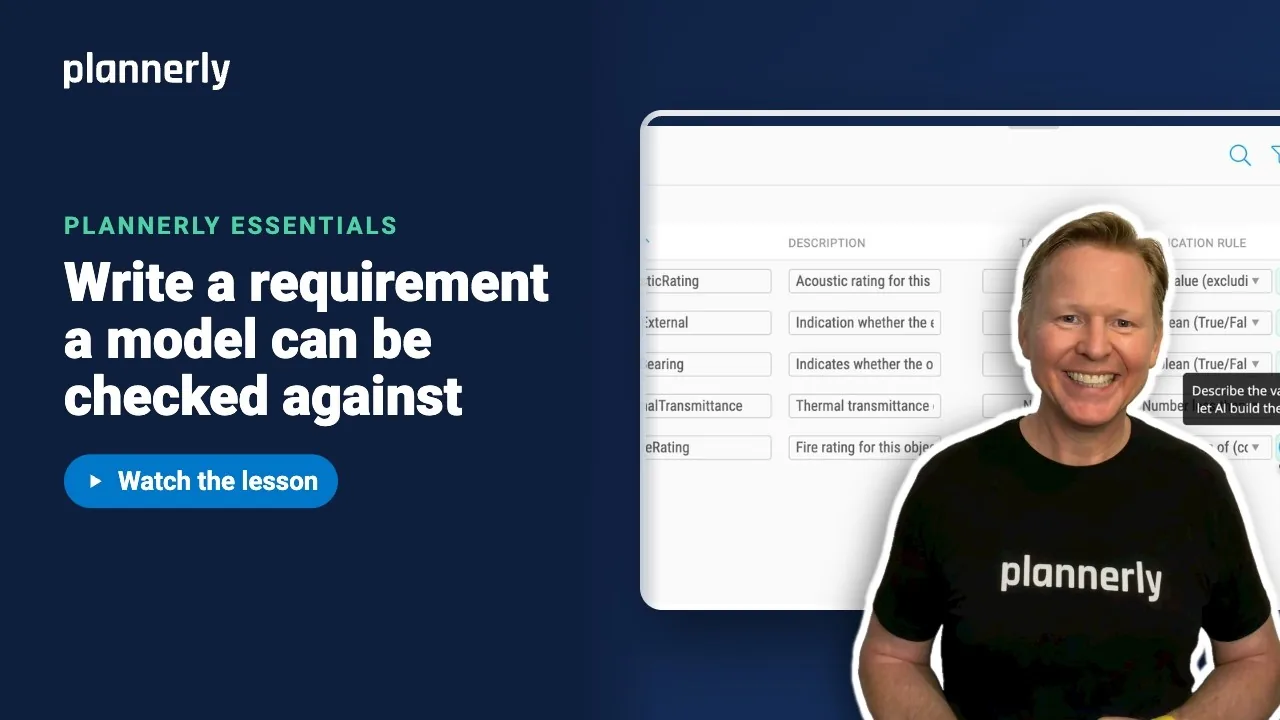
Steps: Name Scope rows with bSDD classifications. For writing a rule a model can pass or fail, see Write checkable information requirements for a BIM model.
Common questions
What does bSDD stand for?
buildingSMART Data Dictionary. It is an online service from buildingSMART International that hosts dictionaries of classifications, properties, allowed values, units and their definitions for the built environment.
What is the difference between bSDD and IFC?
IFC is a file format and data schema for exchanging building models. The bSDD is a dictionary that defines names and meanings, including the IFC ones, and many other standards. IFC says how to store the data; the bSDD says what the words mean.
Is the bSDD free?
It is an open service that anyone can search, and its API is documented publicly. Each dictionary in it carries its own licence, so check the one you plan to reuse.
How do you use the bSDD API?
Software calls the API to list dictionaries, then search their classes and properties. buildingSMART documents it in its public repository and on SwaggerHub, including a test environment. If you only want the names inside your project, Plannerly does the lookup for you.
Does bSDD include Uniclass?
Yes. Uniclass is published as dictionaries in the bSDD, as are other classification systems. In Plannerly you choose one as your project's classifications dictionary under Settings, Project, Standards.
Related
- Name Scope rows with bSDD classifications - the Plannerly steps.
- Write checkable information requirements for a BIM model - properties and rules.
- bSDD in architecture, engineering and construction
- BIM and IFC models
- Information Delivery Specification (IDS) guide
- Level of information need (LOIN)
- buildingSMART International - the organisation that runs the bSDD.
- bSDD technical repository - API documentation.
Take the free Plannerly Essentials course - every lesson is a short video like this one, with a certificate when you finish.